Basic MP3 editing is a task you might need on a daily basis, but many tools make the process needlessly complicated. Fortunately, there is a lightweight Windows app that promises to take care of this problem, so let's see what it's all about!
Direct editing without re-encoding
mp3DirectCut is an audio editor and recorder. It's available entirely for free, with no ads or locked pro versions. It provides many useful features like cutting, cropping, and splitting your MP3 files into multiple parts. It relies on direct editing, meaning all operations are performed on the encoded MP3 files directly, so no time is wasted on re-encoding.Features for dividing and recording
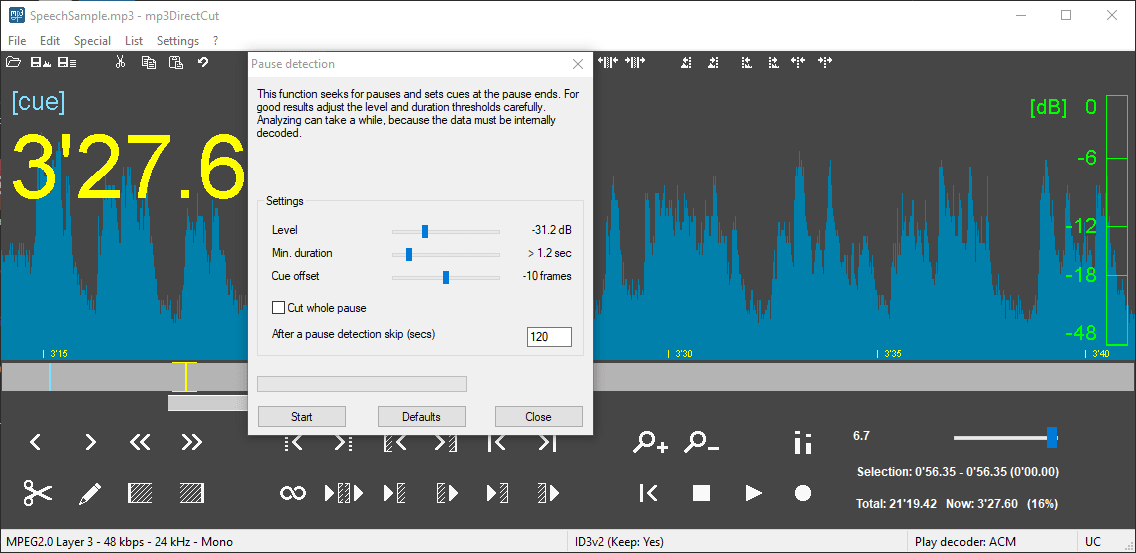
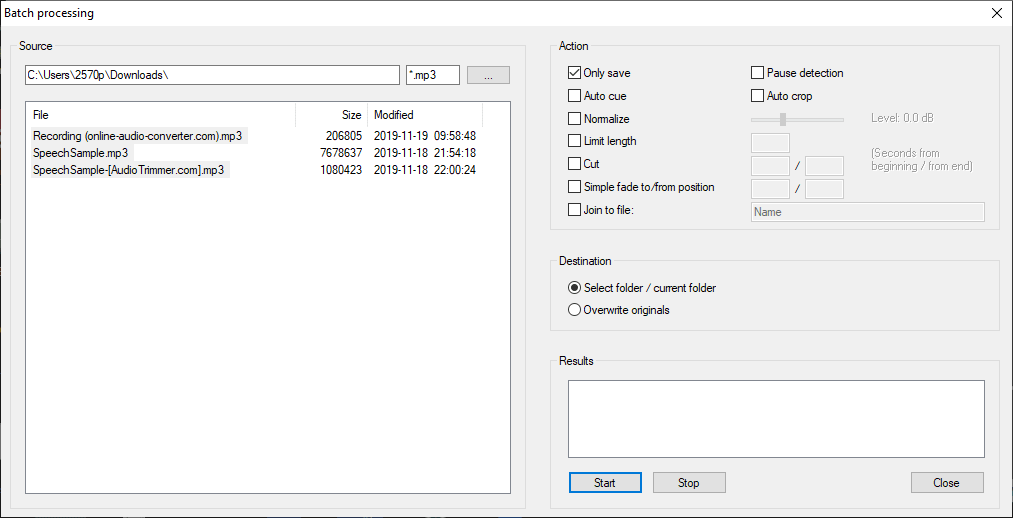
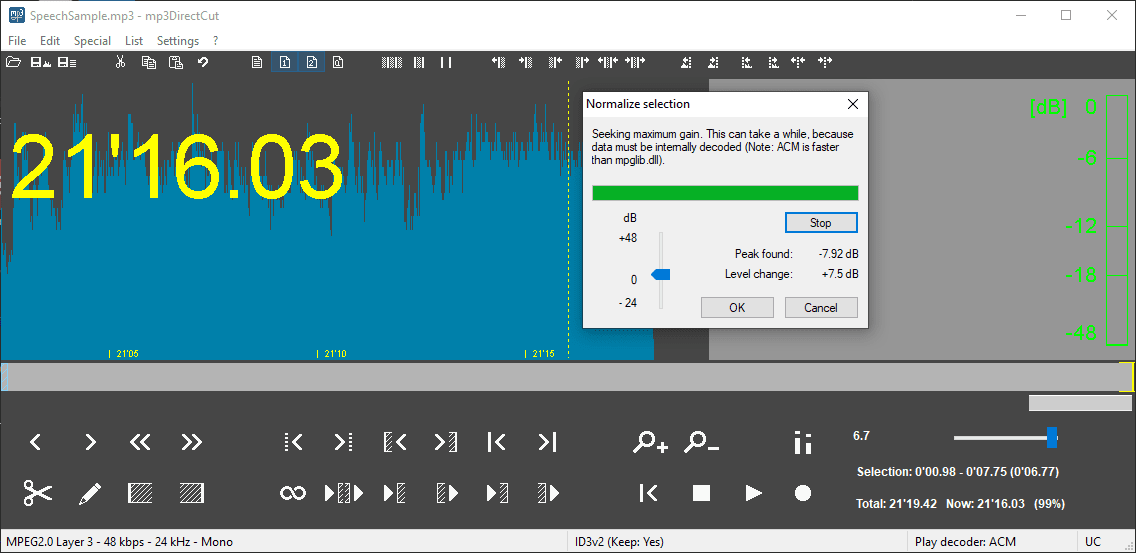
Because of this, the original audio quality is perfectly preserved when using mp3DirectCut. The app includes great features like Cue sheets, Pause detection, and Auto cue, which make dividing long audio files incredibly easy. You can also record audio directly, normalize the volume, and apply fades. Everything happens without any loss of audio fidelity.Visualizing the audio
After loading a track, you might notice the displayed waveform isn't a perfectly accurate representation, as it primarily visualizes MPEG frame data rather than a decoded PCM wave. The actual dynamics are easier to gauge while the file is playing. We would have liked to see a true waveform right away, but it is an acceptable trade-off for the editing speed you gain.An interface that takes getting used to
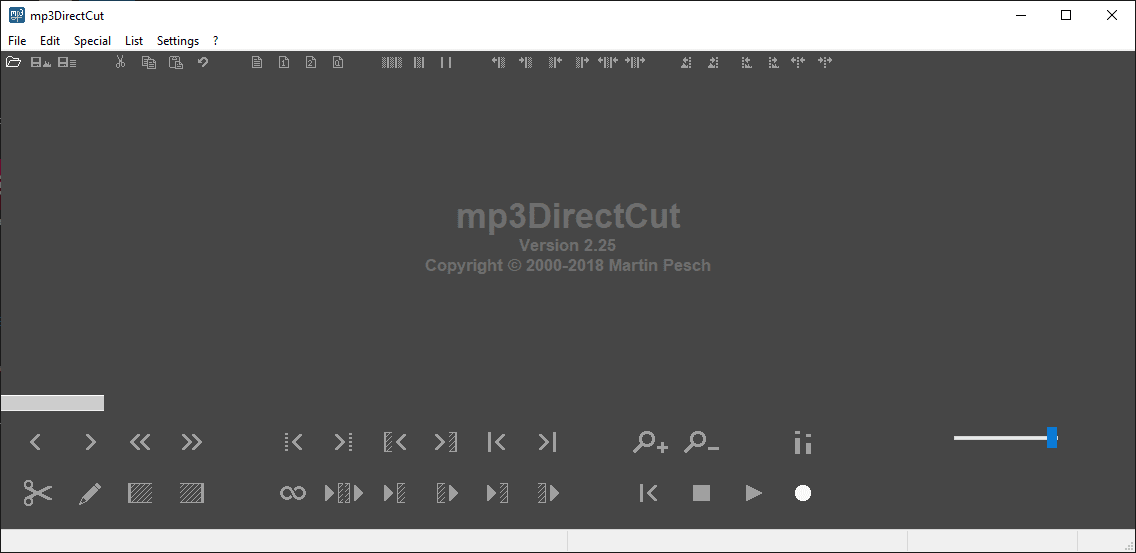
The overall design takes some getting used to, as the interface includes a dozen icons that look quite similar, making it hard to know exactly what to expect at first glance. Still, despite its slightly dated layout, mp3DirectCut is an awesome free app to have installed!